 Aufi
If you have ever spent hours captivated by romance sagas, fantasy adventures, or fanfiction on Wattpad, you know how addictive the stories can be. But you also know the painful downside: eye fatigue, sore neck, headaches from staring at your screen late into the night, and the frustration of having to put your favorite story down when you need to drive, exercise, cook, or do chores.
This leads millions of readers to ask the exact same question: Does Wattpad have text to speech? Can Wattpad read aloud to you like an audiobook? And if not, how can you add text to speech on Wattpad so you can listen hands-free?
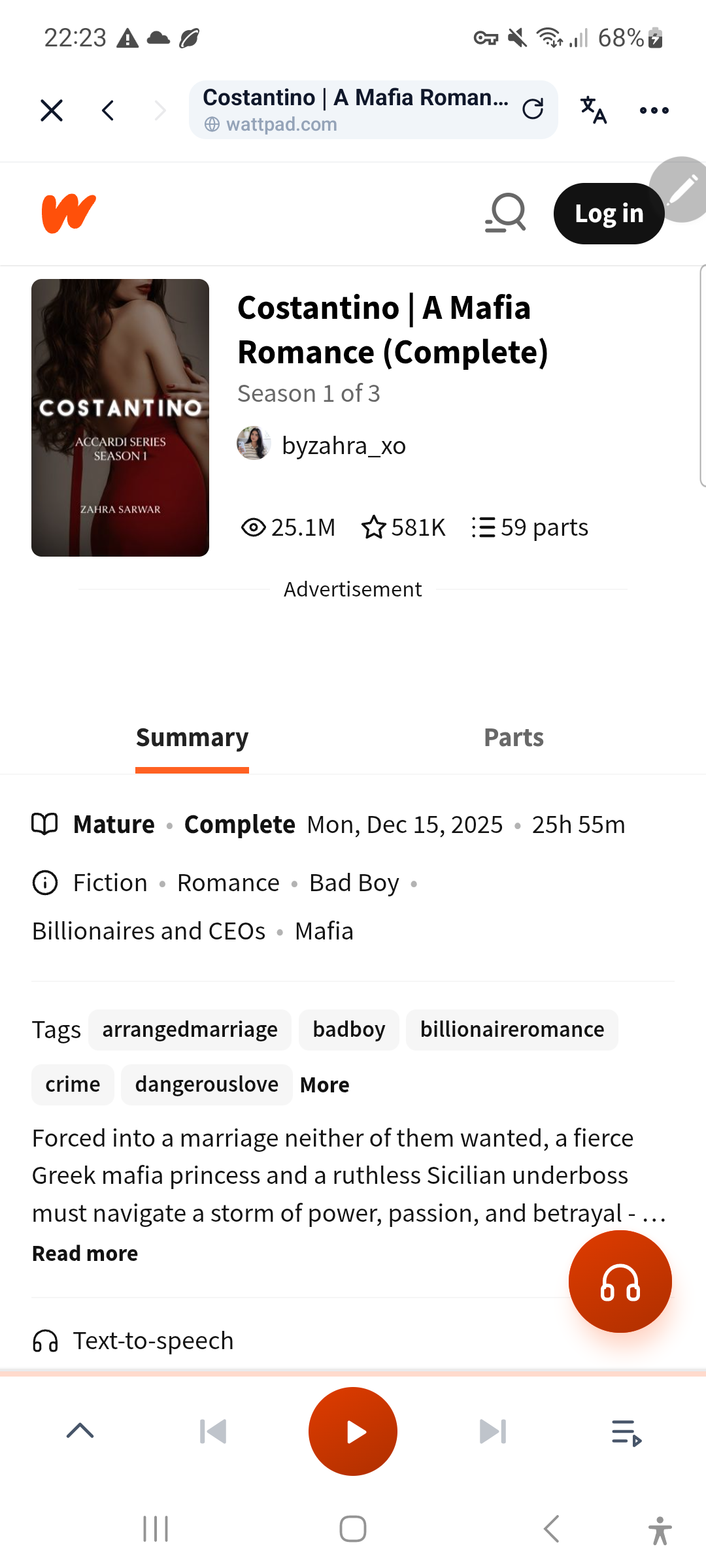
Officially, no. The standard Wattpad app does not have a built-in text-to-speech (TTS) or read aloud option for 99.9% of user-submitted stories and fanfiction. However, you can effortlessly turn any Wattpad story into a natural, human-like AI audiobook using Aufi—complete with ad-free clean text, true background audio with your screen locked, and automatic chapter progression.
Why Does Wattpad Lack an Official Read Aloud Feature?
Given the immense popularity of audiobooks and podcasts, it seems surprising that a platform with over 90 million global readers does not offer an official read aloud toggle on every story. There are three primary reasons for this limitation:
- Cost of Professional Studio Narration: Unlike commercial publishing houses on Audible that invest thousands of dollars recording voice actors in sound booths, Wattpad is predominantly user-generated content. With millions of new chapters published weekly, producing human-voiced audiobooks for every title is economically impossible.
- Retirement of Legacy Audio Experiments: Years ago, Wattpad experimented with pre-recorded audio snippets and sponsored voice campaigns on a handful of featured titles. Those trials were discontinued, leaving standard fiction without native audio capabilities.
- Ad Revenue Model: The free Wattpad mobile app relies on visual banner advertisements and intrusive full-screen video ads displayed between chapters. A background audio player would keep user screens off, diminishing visual ad impressions.
Why Phone Accessibility Readers Fail for Fiction
When searching for how to add text to speech on Wattpad, many articles suggest turning on your phone's built-in accessibility tools—such as Speak Screen / VoiceOver on Apple iOS or TalkBack / Select to Speak on Google Android. While these system tools are helpful for navigating device menus, they make for an excruciating fiction listening experience:
- Robotic Monotone Delivery: Built-in system synthesizers read literature like robotic navigation directions. They lack emotional pacing, dramatic pauses, and character distinction.
- Playback Halts on Lock Screen: The moment your phone screen turns off or goes to sleep to save battery, system screen readers often stutter, glitch, or pause entirely.
- Reading UI Clutter & Ads: System tools read everything on the page literally—including header buttons, author usernames, timestamps, inline promotional banners, and user comments—disrupting your immersion.
- No Automatic Chapter Advancement: When you reach the bottom of chapter 1, standard screen readers stop dead. You must unlock your phone, manually scroll past video ads, tap the next chapter, and re-trigger narration.
How to Add Text to Speech on Wattpad with Aufi
To solve the limitations of native Wattpad and basic screen readers, Aufi was engineered specifically for web novels, fanfiction platforms, and serialized fiction. Whether you read on Wattpad, Archive of Our Own (AO3), or Royal Road, Aufi provides a seamless audiobook experience.
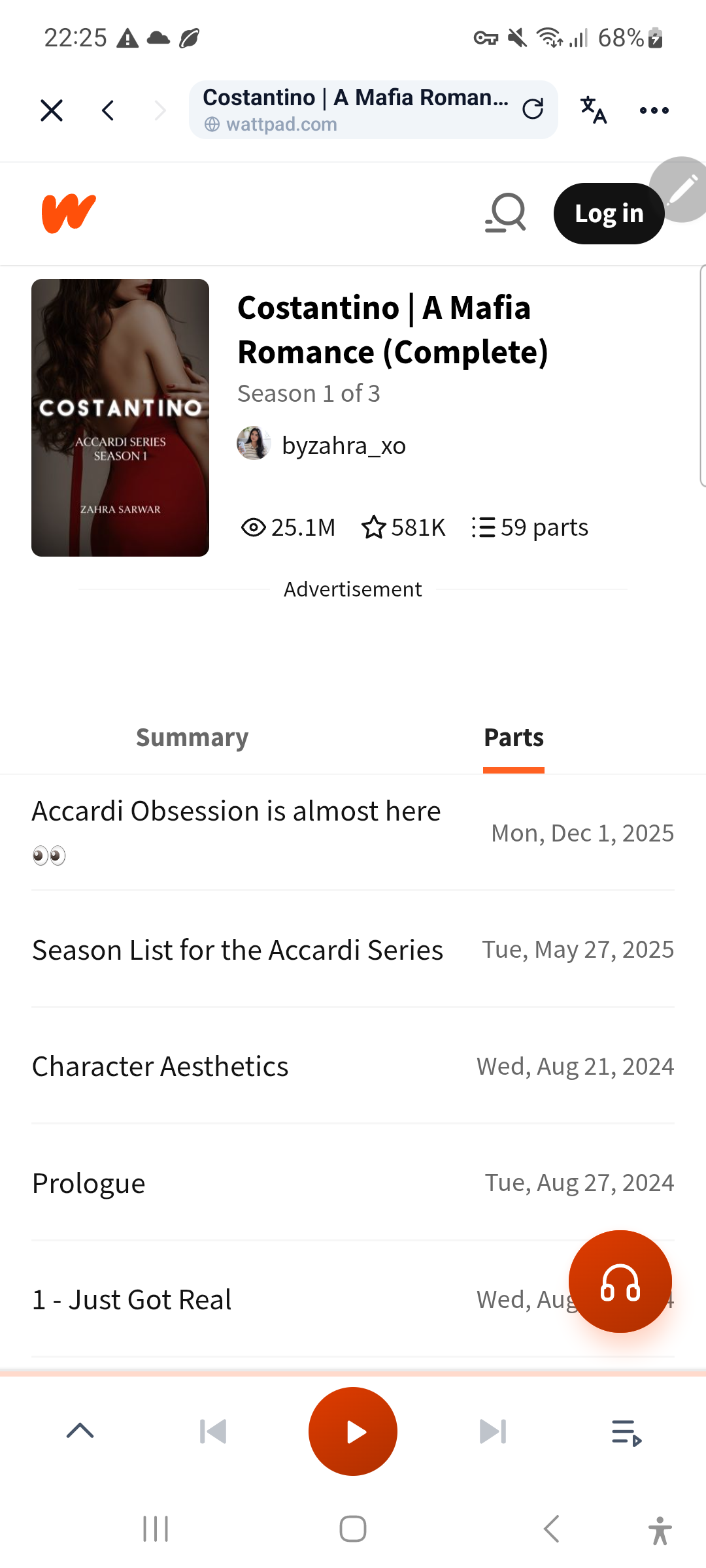
Here is how you can listen to any Wattpad story in three easy steps:
Method 1: Direct Listening in the Aufi Mobile App (iOS & Android)
- Install Aufi: Download the free Aufi app from the Google Play Store or Apple App Store.
- Open Any Wattpad Story: You can either tap the built-in Wattpad community shortcut inside Aufi, or simply copy the chapter link from your browser (e.g.,
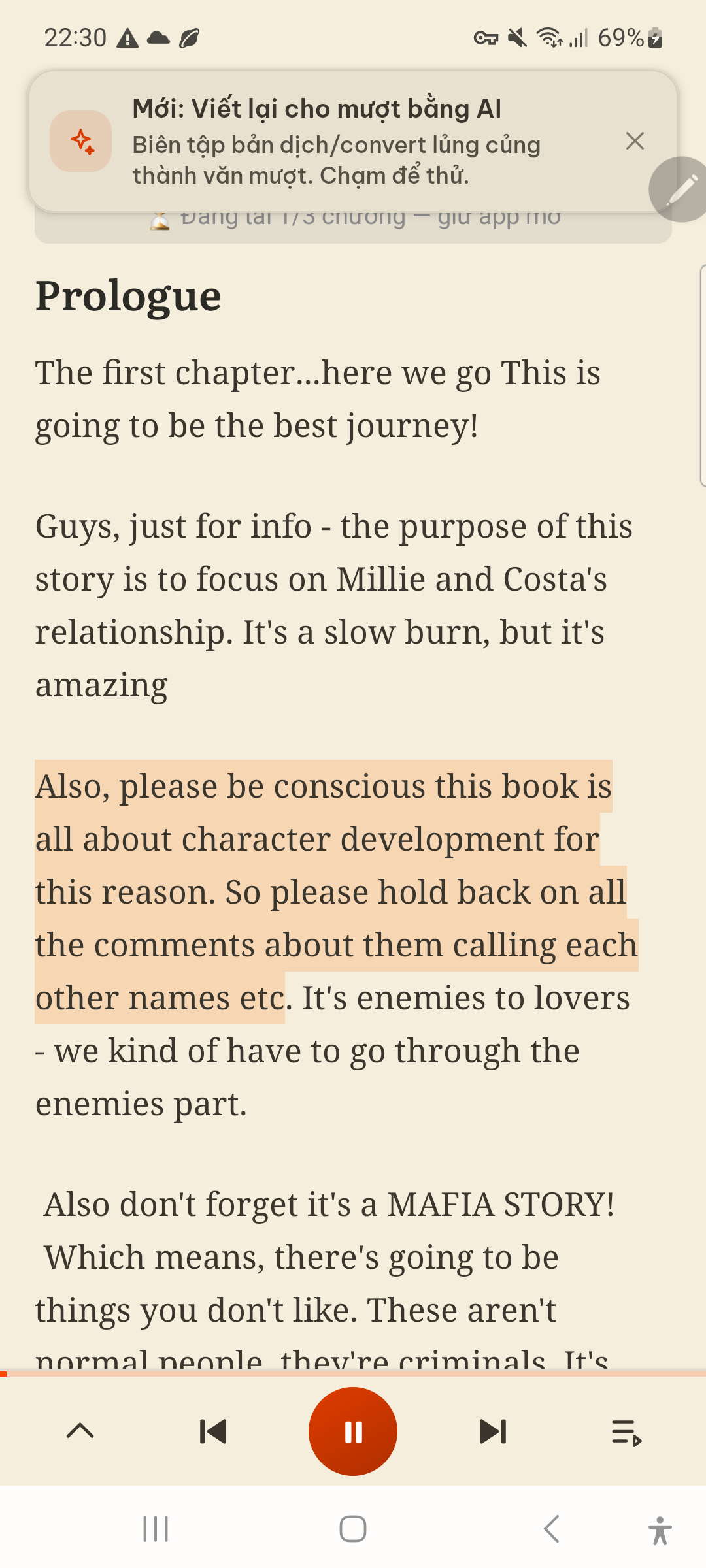
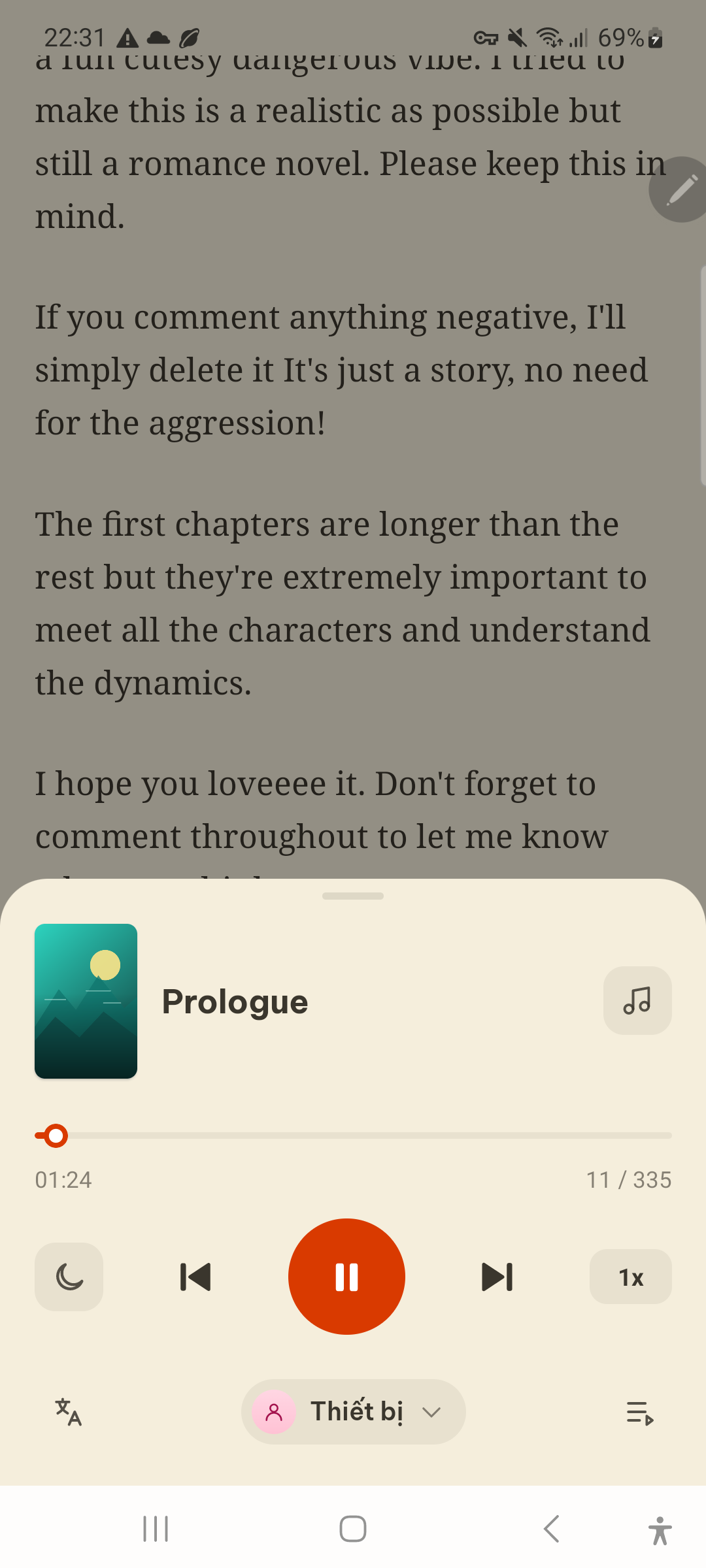
https://www.wattpad.com/123456789-chapter-title) and tap "Paste link" on Aufi's home dashboard. - Tap the Headphone Icon: Aufi instantly strips away disruptive ads, comment sidebars, and promotional banners, launching a clean, synchronized reading interface with neural AI audio playback.
Method 2: Listening on Desktop with Aufi Chrome Extension
If you prefer reading on your laptop, Mac, or desktop PC, you can add text to speech directly to your browser using the official Aufi Chrome Extension. When you open any Wattpad story in Google Chrome, simply click the Aufi icon in your toolbar to extract clean text and listen with high-definition neural voices while you work or study.
Feature Comparison: How Different Listening Methods Compare
The table below breaks down the capabilities of reading Wattpad natively, using operating system accessibility screen readers, and using Aufi's dedicated fiction text-to-speech engine:
| Key Feature | Official Wattpad App | OS Screen Readers (TalkBack / VoiceOver) | Aufi (Dedicated Fiction TTS) |
|---|---|---|---|
| Native Read Aloud Button | ✗ No (Not supported on user stories) | ✓ Yes (System menu overlay) | ✓ Yes (One-tap floating headphone button) |
| Voice Quality | ✗ None | ✗ Robotic / Monotone | ✓ Lifelike Neural AI Narrators |
| Screen-Off / Background Audio | ✗ No | ✗ Fragile (Often pauses at sleep) | ✓ 100% Background & Lock Screen |
| Auto-Advance Next Chapter | ✗ Manual click only | ✗ No (Stops at end of page) | ✓ Hands-Free Continuous Play |
| Ad & Clutter Stripping | ✗ Full interstitial video ads | ✗ Reads ad scripts & comments | ✓ Ad-Free Clean Reader Mode |
| Bedtime Sleep Timer | ✗ None | ✗ None | ✓ 15, 30, 45, 60 min shut-off |
| Custom Speed Control | ✗ None | ✓ Basic (0.75x–2x) | ✓ Smooth 0.5x–3.0x pitch-preserved |
| Cross-Platform Continuity | ✓ Web & Mobile | ✗ Device-locked | ✓ iOS, Android & Chrome Extension |
Top 4 Benefits of Using AI Text to Speech on Wattpad
Upgrading your Wattpad reading routine to AI narration transforms how you consume serialized fiction:
- 1. Protect Your Eyes and Sleep Quality: Staring at blue light from phone screens late at night suppresses melatonin production and damages eyesight. Listening with your screen off in bed lets you drift off naturally to sleep.
- 2. Multi-Task Without Pausing the Plot: Listen to your favorite mafia romance, werewolf fantasy, or K-pop AU while driving to work, jogging on the treadmill, washing dishes, or folding laundry.
- 3. Eliminate Immersion-Breaking Video Ads: No more 30-second unskippable commercial videos interrupting dramatic romantic tension between chapters.
- 4. Personalized Reading Pace: Increase narration speed up to 1.5x or 2.0x to burn through 100-chapter sagas twice as fast without missing crucial dialogue or plot twists.
Frequently Asked Questions About Wattpad Text to Speech
Does Wattpad have text to speech?
No. The official Wattpad app does not offer a native text-to-speech engine or read aloud feature for user-created stories. To listen to Wattpad stories aloud, you need a specialized third-party tool like Aufi or basic operating system accessibility features.
Can Wattpad read stories aloud to you?
Yes, by using external reading apps like Aufi. When you paste any Wattpad chapter URL into Aufi or browse Wattpad inside the app, it extracts the clean novel text and narrates it using expressive, human-like neural AI voices.
Does Wattpad have a read aloud option in the mobile app settings?
No. If you browse Wattpad's mobile app settings, you will find font sizes, background theme colors (light/dark mode), and library sync options, but there is no audio playback toggle or read aloud setting.
How to add text to speech on Wattpad?
You can add text to speech on Wattpad by installing Aufi on your mobile phone (Google Play or Apple App Store) or adding the Aufi Chrome Extension to your desktop browser. Aufi automatically detects Wattpad story chapters and provides instant audio narration with auto-advance.
Can you listen to Wattpad stories while your phone screen is locked?
Yes, with Aufi. Standard phone accessibility readers stop when the screen goes dark, but Aufi supports continuous background playback, allowing you to lock your screen, pocket your phone, and control playback via Bluetooth earbuds.
What is the best text-to-speech app for Wattpad in 2026?
Aufi is widely regarded as the top text-to-speech solution for Wattpad, Royal Road, and AO3 readers because it was built specifically for multi-chapter fiction. Unlike generic document TTS apps, Aufi automatically eliminates ads, provides seamless chapter transitions, and preserves natural dialogue cadence.
Ready to Turn Wattpad into Audiobooks?
Download Aufi today on Android or iOS, or install the Chrome Extension to enjoy hands-free, ad-free AI narration on all your favorite Wattpad stories.
Conclusion
While Wattpad does not feature a built-in text-to-speech or read aloud option, readers no longer have to suffer from tired eyes or put their reading on hold. By utilizing Aufi's purpose-built fiction reader on your Android, iPhone, or computer, you can effortlessly turn any Wattpad fanfiction or original novel into a realistic, hands-free audiobook with continuous chapter playback.