 Aufi
Aufi
Wattpad is one of the world's most vibrant storytelling platforms, home to millions of captivating romance sagas, supernatural thrillers, K-pop fanfiction, and young adult web serials. Readers often spend hours every evening engrossed in gripping chapter cliffhangers. However, staring down at your smartphone screen for extended periods leads to severe eye strain, headaches, and disrupted sleep schedules.
Many fiction enthusiasts yearn for a way to listen to Wattpad stories as audiobooks—allowing them to enjoy their favorite characters while commuting, cooking, exercising, or relaxing in bed with their eyes closed. Unfortunately, the native Wattpad experience makes listening frustratingly difficult.
Why Native Listening on Wattpad Falls Short
While Wattpad is an exceptional hub for writers and readers, its built-in accessibility options are severely limited for audiobook lovers:
- No official studio audiobooks: Unlike commercial bestsellers on Audible, self-published stories on Wattpad almost never have professionally narrated audiobook editions.
- Robotic system screen readers: Standard operating system accessibility tools (like default iOS VoiceOver or Android TalkBack) read fiction in a monotone, robotic drone without emotional inflection, mispronouncing character names and slang.
- Intrusive video advertisements: Free readers are routinely bombarded with full-screen video ads between every single chapter, completely breaking the narrative flow.
- Playback halts when the screen locks: When you lock your phone and put it in your pocket, playback often pauses abruptly, draining device battery and causing endless annoyance.
The Aufi app transforms any Wattpad story link into a high-fidelity AI audiobook. Aufi strips away intrusive ads, provides expressive neural voices, and advances seamlessly from chapter to chapter with your screen locked.
Step-by-Step Guide: Listening to Wattpad with Aufi
Converting any serialized Wattpad story into a smooth, hands-free listening experience takes just three simple steps:
Step 1: Copy the URL of Any Specific Story Chapter
Open the Wattpad app or visit the website in your mobile browser. Navigate directly to the chapter you wish to read, tap the share icon, and select Copy Link.
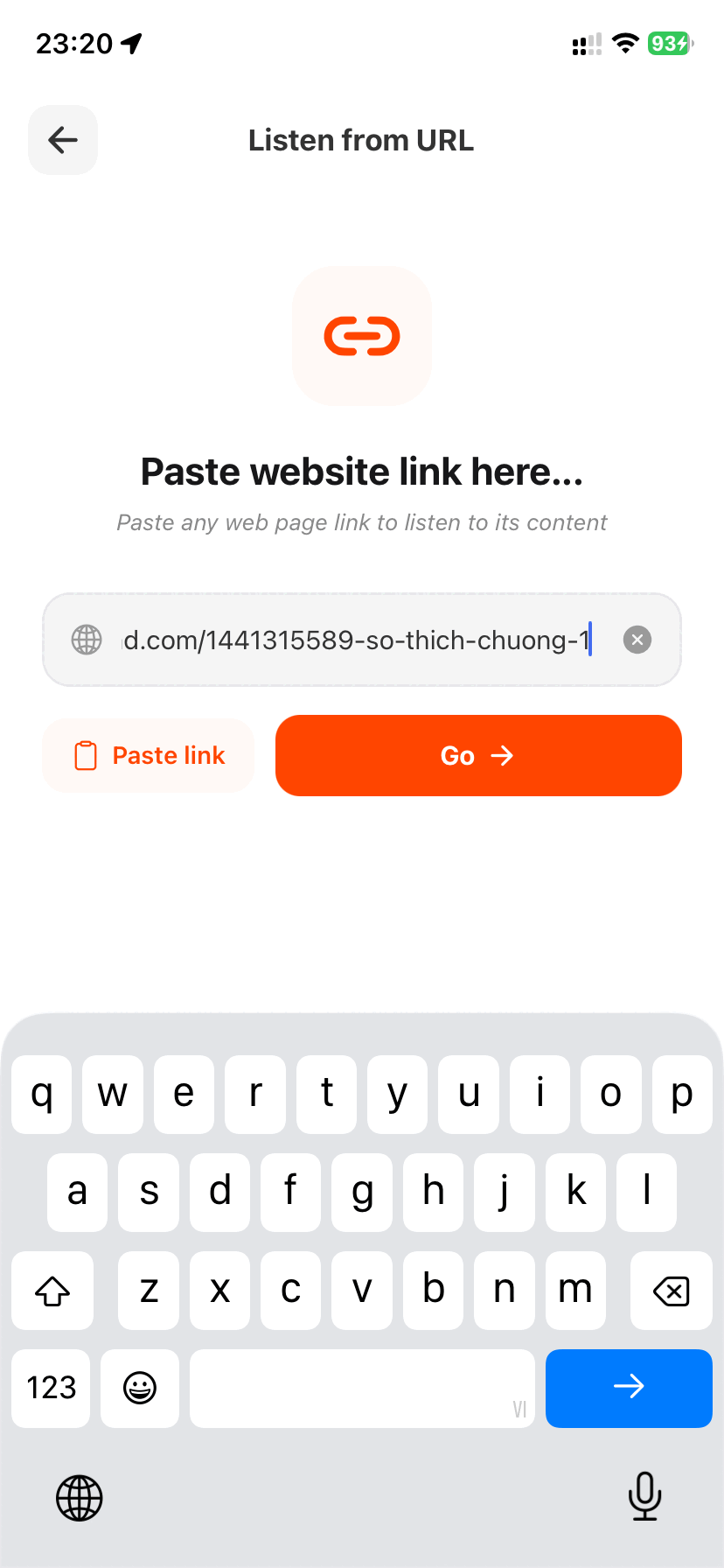
Always copy the exact URL of a specific chapter—such as https://www.wattpad.com/1441315589-so-thich-chuong-1. This direct link contains the story slug and chapter identification that allows Aufi's content engine to parse the text with 100% precision.
Step 2: Paste the Chapter Link into Aufi's URL Reader
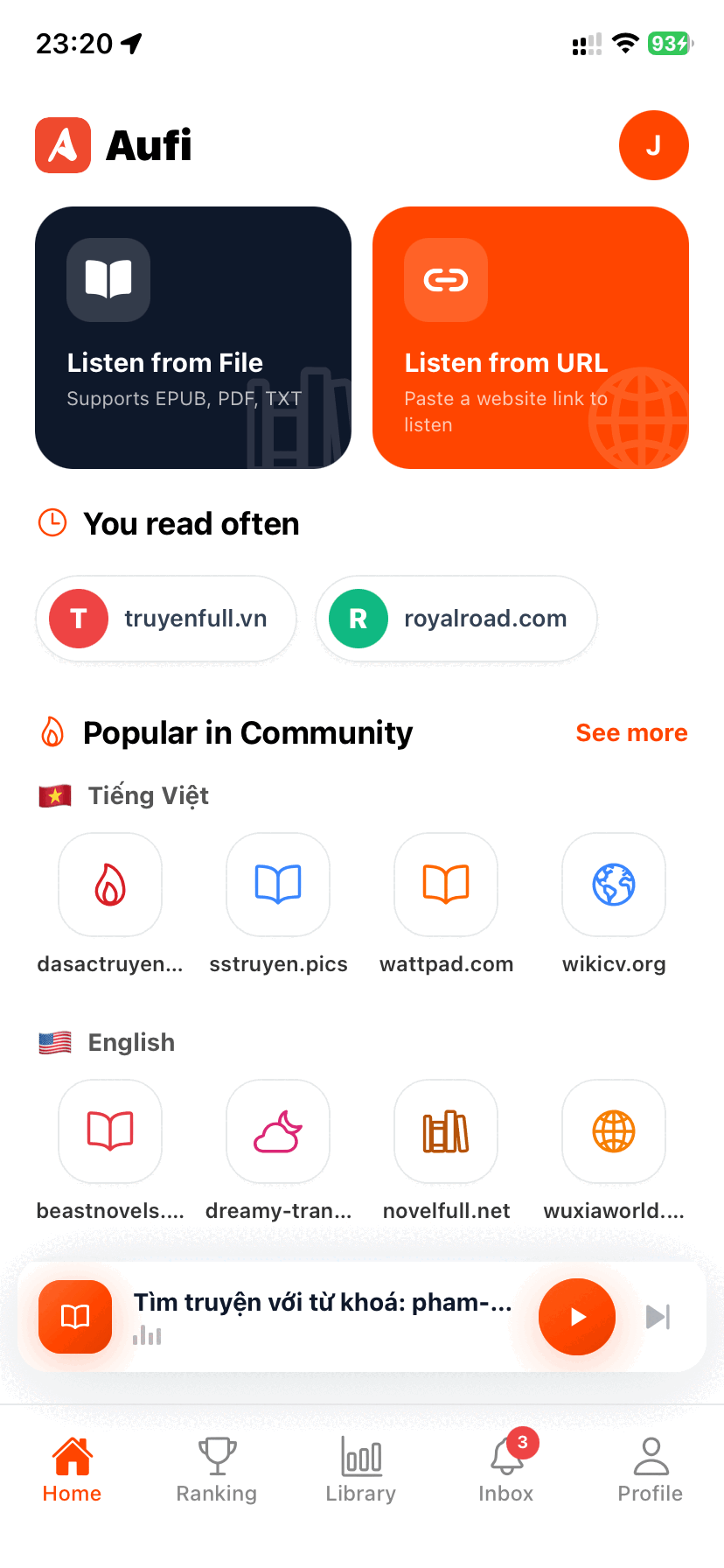
Launch Aufi on your iPhone or Android device. Tap the orange "Listen from URL" card on the main dashboard. Paste your copied chapter URL into the text input box or tap "Paste link", then press "Go →".
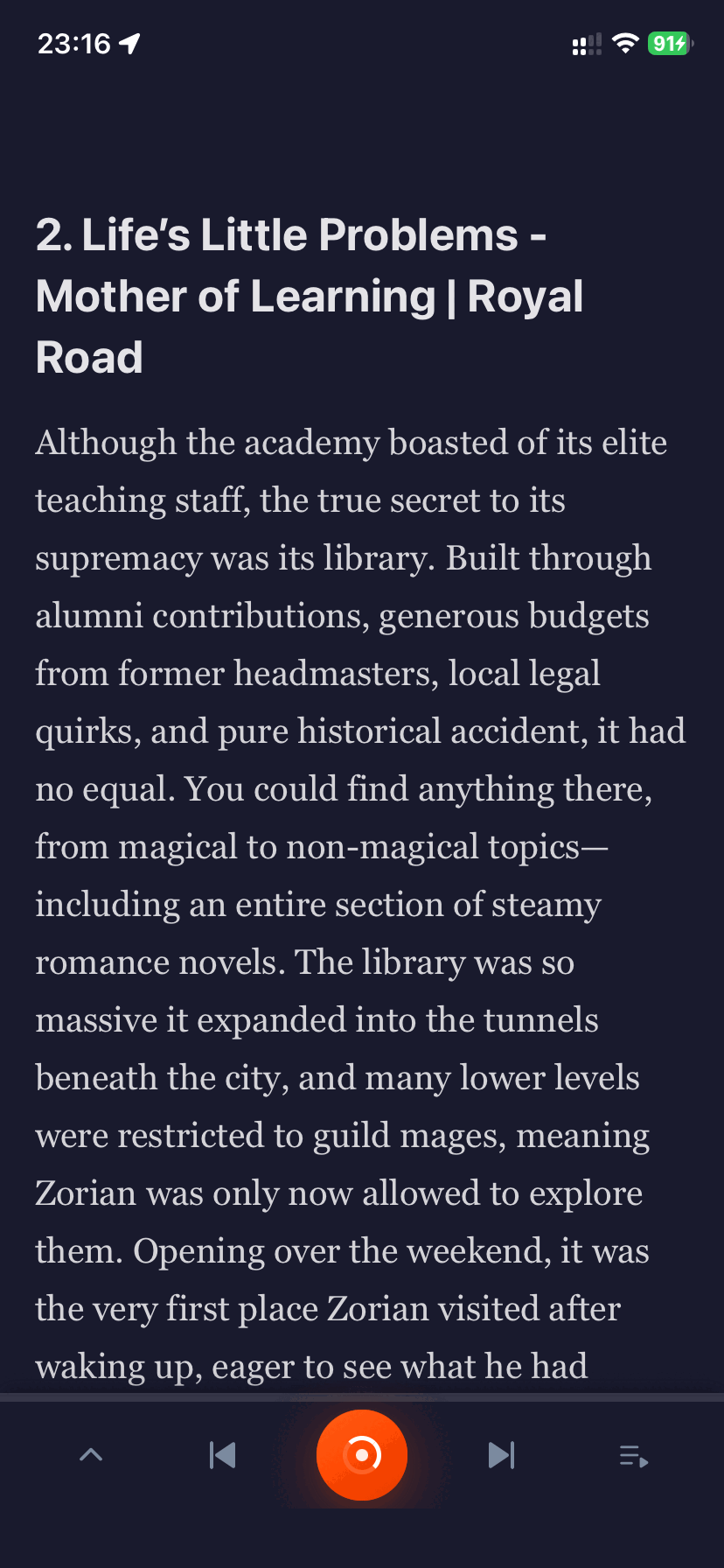
In less than two seconds, Aufi's smart content scraper bypasses promotional clutter, comment threads, and sidebar widgets, presenting you with a Clean Reader Mode that highlights spoken sentences in real time.
Step 3: Customize Voices & Enjoy Uninterrupted Auto-Chapter Advance
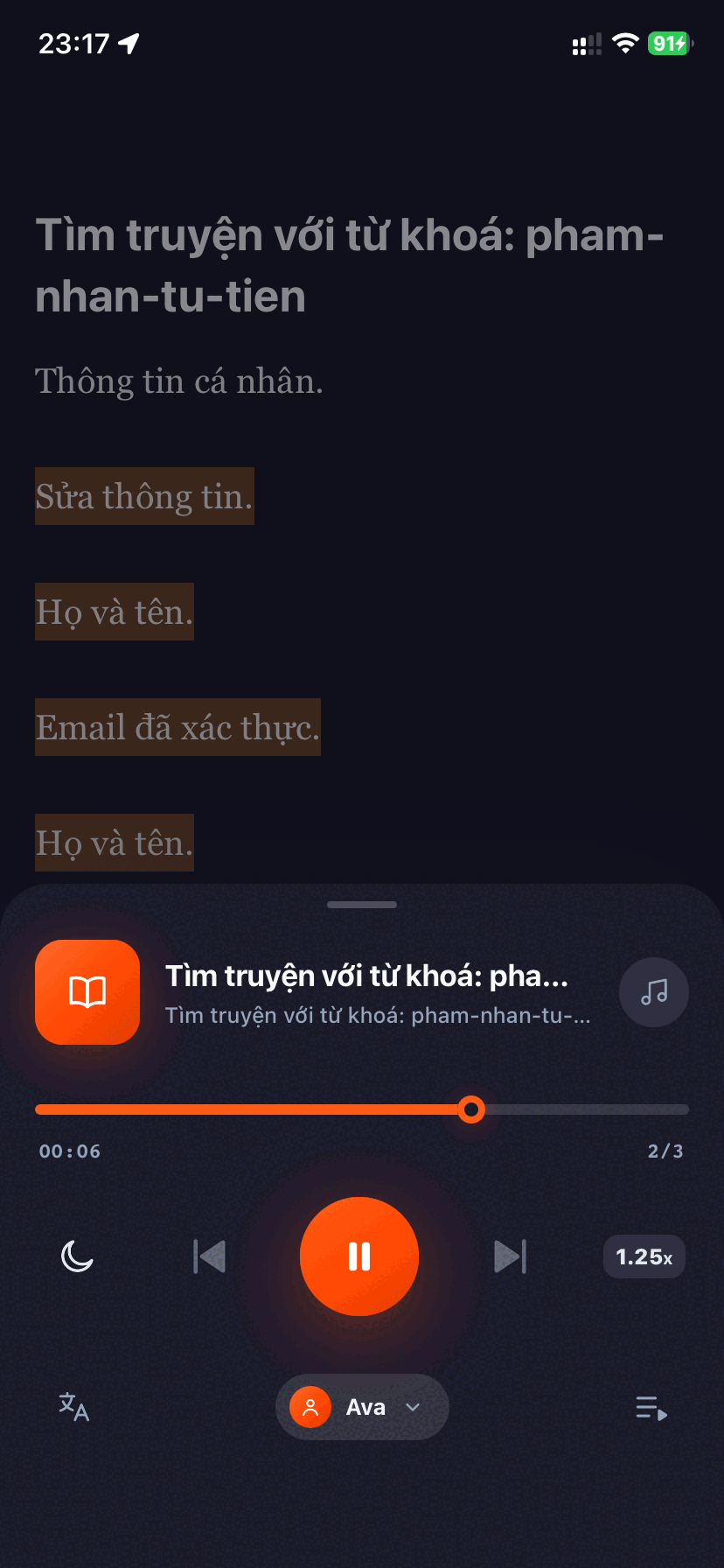
Tap the persistent audio player at the bottom of the screen to expand the full playback interface:
- Natural Neural Voices: Choose between lifelike narrators (such as Ava, Guy, or Aria) with natural cadence, realistic breathing pauses, and proper punctuation handling.
- Adjustable Playback Speed: Fine-tune narration speeds from 0.75x up to 3.0x without pitch distortion or audio robotic artifacts.
- Seamless Auto-Advance: When chapter 1 concludes, Aufi automatically identifies the next chapter link, loads the text, and continues playing hands-free.
- Bedtime Sleep Timer: Set an automatic shut-off timer for 15, 30, or 60 minutes so you can fall asleep listening without draining battery life.
Why Aufi Outperforms Generic TTS Apps for Fiction
Unlike general-purpose PDF readers or basic speech synthesis tools, Aufi is purpose-built for serial fiction and fanfiction readers on platforms like Wattpad, Archive of Our Own (AO3), and Royal Road:
- Zero Banner and Video Interruptions: Aufi eliminates disruptive interstitial video ads that plague free reading apps.
- True Background Playback: Lock your screen, put your phone in your pocket or gym arm-band, and control playback seamlessly with Bluetooth earbuds.
- Cross-Platform Continuity: In addition to native mobile apps for iOS and Android, Aufi offers a dedicated Chrome Web Store Extension so you can listen directly on your desktop or laptop during work or study sessions.
Start Listening to Wattpad Stories Hands-Free Today
Install Aufi for free on iOS and Android, or add the Chrome Extension to experience seamless AI audiobook narration anywhere.
Conclusion
Wattpad offers an incredible universe of imaginative stories, but reading them shouldn't have to cost you healthy vision or your free time. By using Aufi's cutting-edge AI narration, you can turn any serialized Wattpad story into an immersive personal audiobook. Download Aufi today and enjoy your favorite fanfics hands-free!