 Aufi
Aufi
Millions of avid readers possess extensive libraries of digital books in standard EPUB or PDF formats—ranging from classic public domain literature to fantasy sagas, non-fiction guides, and serialized web fiction compendiums. Yet finding enough quiet hours to sit down and read visually can be challenging in a busy schedule.
While commercial audiobooks offer an alternative, they come with major drawbacks: high subscription fees (often $15 to $30 per title) and limited catalogs where niche titles, indie light novels, and academic books never receive an official voice narration.
The solution? Modern AI-powered Read Aloud EPUB readers that transform any personal file into a human-grade audiobook instantly.
Why Built-in E-reader TTS Falls Short
Most standard ebook readers (like Apple Books or basic Android e-readers) offer an accessibility text-to-speech feature. However, users quickly disable it because:
- Mechanical Monotony: Older TTS engines read every sentence at an unvarying pace without natural pauses between paragraphs or dialogue cues.
- Lack of Chapter Navigation: Basic tools treat the book as one continuous text dump, losing your position if you exit the app.
- Screen Lock Stoppage: Many free PDF and EPUB readers stop speaking the second your phone screen dims to save power.
Neural speech synthesis models analyze sentence syntax in real-time, inflecting tone for questions, adjusting tempo for dramatic scenes, and breathing naturally between long passages.
How to Turn Your EPUB & PDF into Audiobooks with Aufi
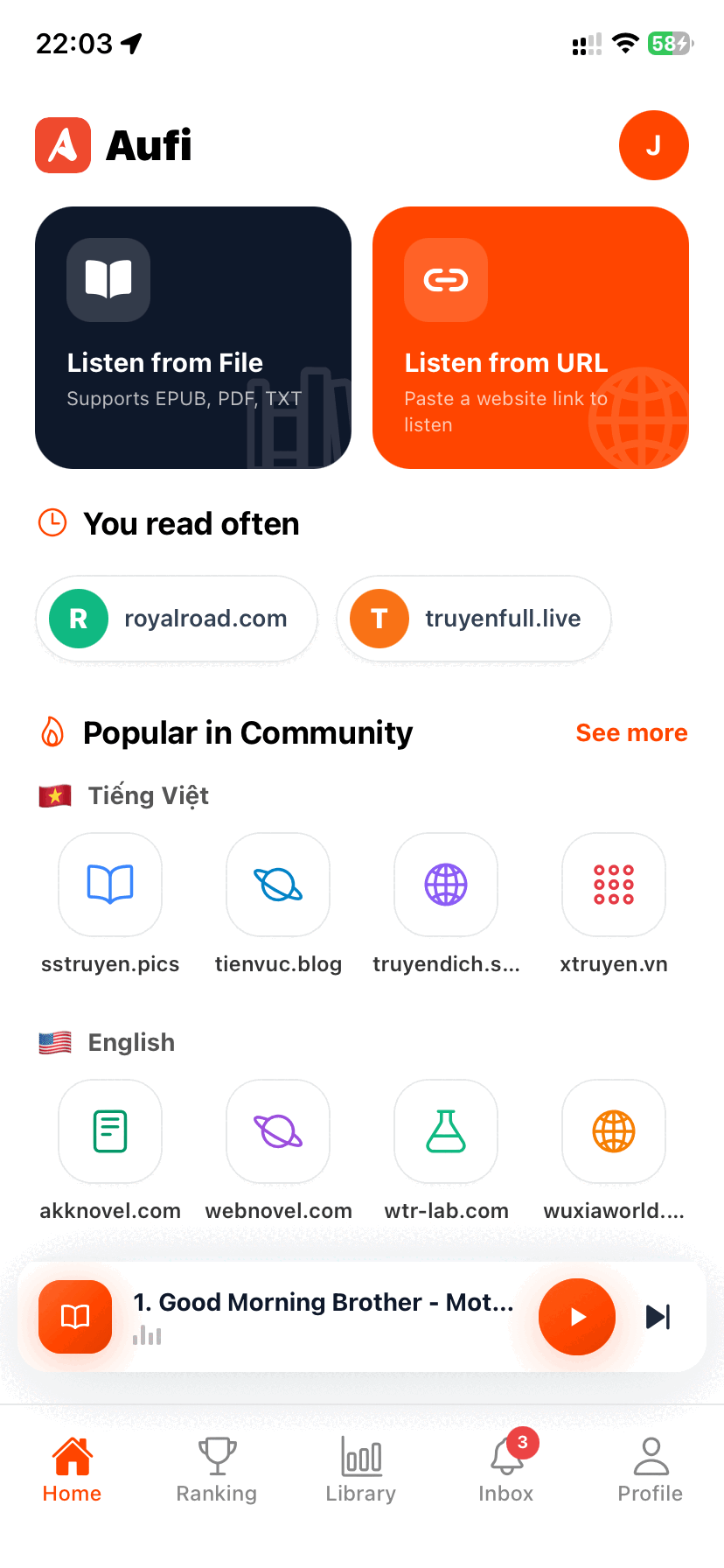
Aufi is designed as a universal content-to-audio player. It effortlessly imports your local files and gives them full audiobook treatment:
1. Direct File Import
Whether your EPUB or PDF files are stored in Google Drive, iCloud, Dropbox, or your local phone downloads, simply open them with Aufi or tap "Import File" inside the app.
2. Smart Table of Contents (TOC) Parsing
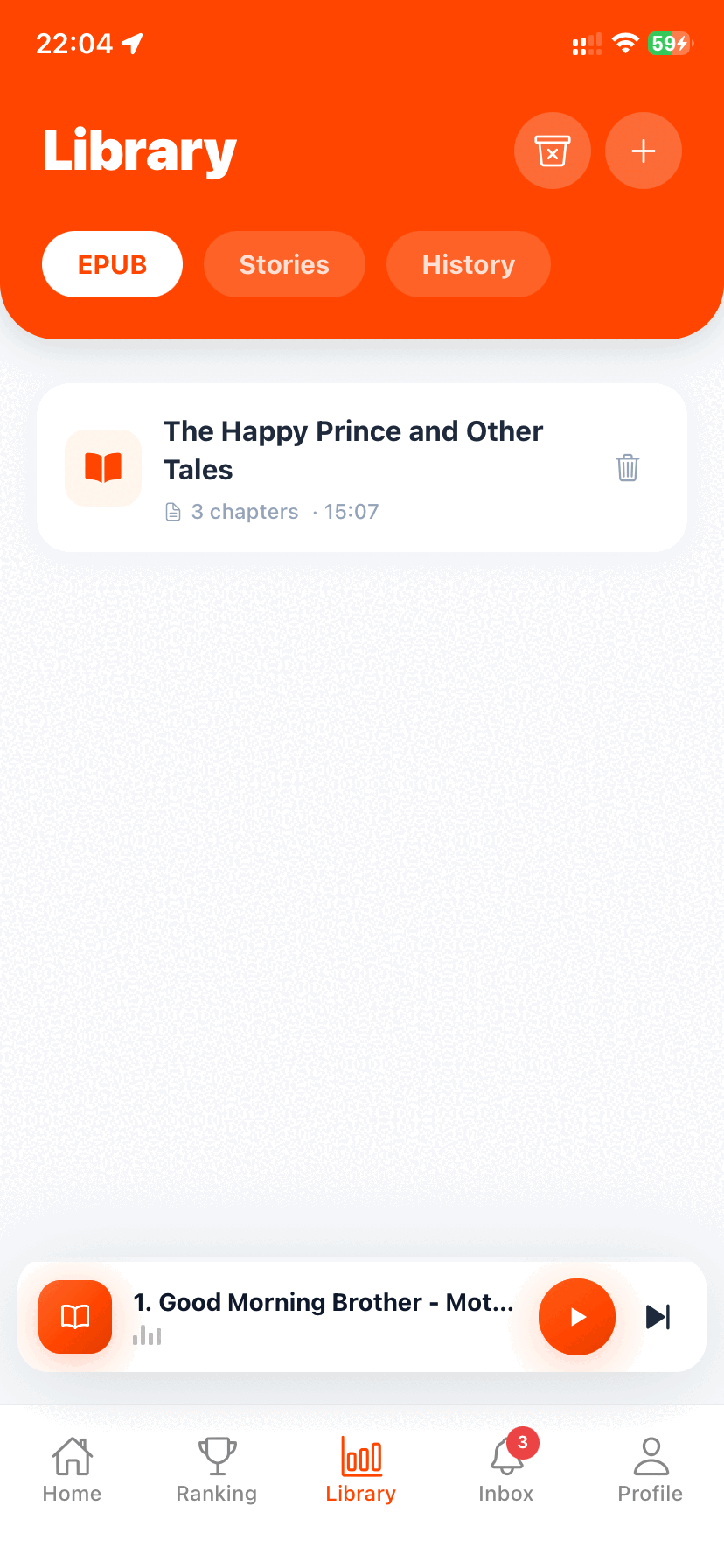
Aufi automatically recognizes chapters, subheadings, and bookmarks. You can jump directly to Chapter 14 or replay Chapter 3 with a single tap, keeping your reading progress synced across sessions.
3. Screen-Off Background Listening
Listen during morning commutes, jogging sessions, or daily chores. Aufi plays continuously with your screen locked, saving up to 70% battery compared to reading on a bright OLED display.
4. Sleep Timer for Nighttime Listening
If you like drifting off to sleep with a good story, configure Aufi's sleep timer to stop playback at the end of the current chapter or after 15, 30, or 45 minutes.
Ready to Give Voice to Your Ebook Library?
Download Aufi for free on Android, iOS, or install the Chrome Extension for desktop reading.
Adjusting Playback Speed & Voices
Personal preference is key when listening to long books. Aufi allows granular speed adjustments from 0.75x up to 3.0x without audio pitch distortion. You can choose between warm baritone voices, crisp neutral narrators, and dynamic storytelling accents to suit whatever genre you are diving into.
Conclusion
Don't let your collection of unread EPUBs gather digital dust. By combining portable files with cutting-edge AI speech synthesis, you can enjoy books anytime, anywhere—hands-free.