 Aufi
Aufi
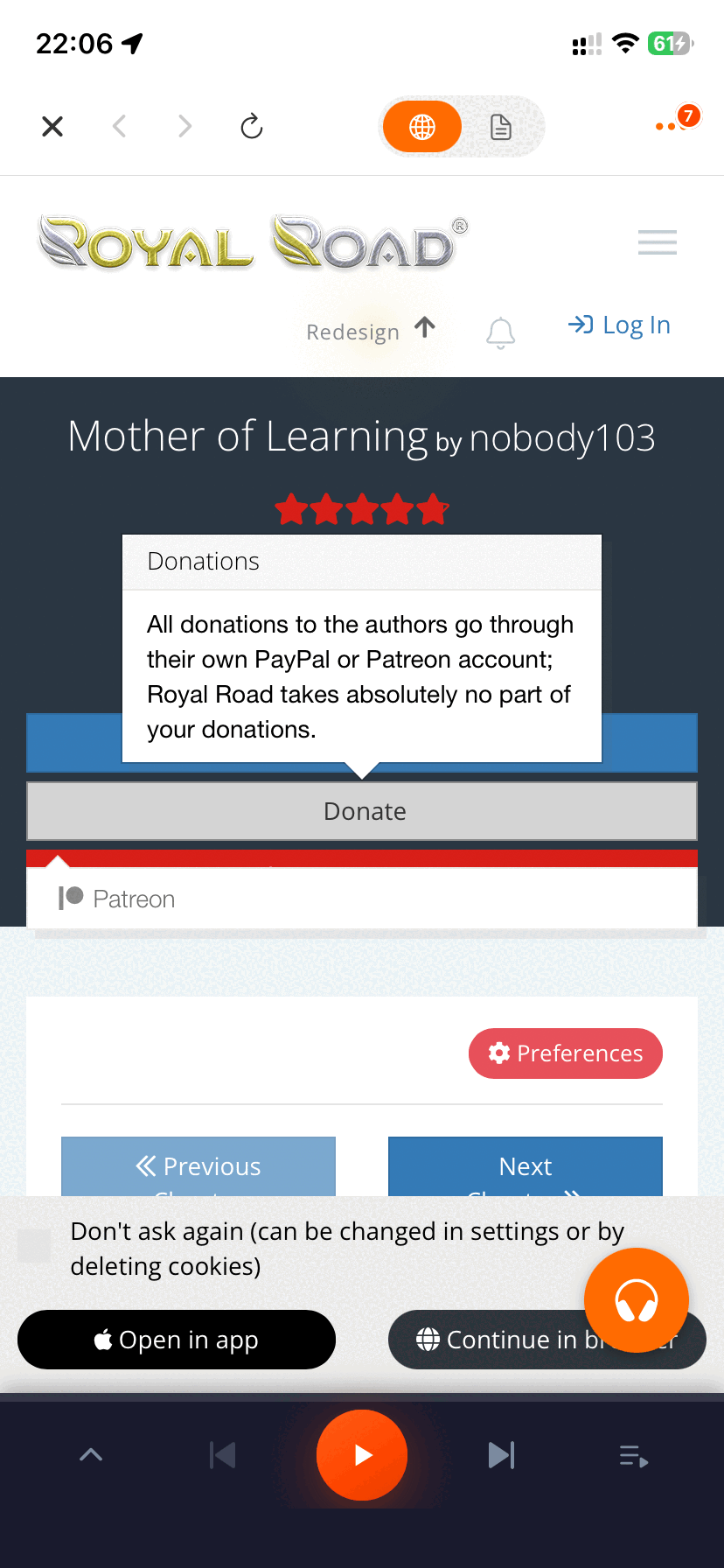
Few things are more frustrating than being immersed in the climax of a serialized webnovel only for the text-to-speech audio to abruptly stop, freeze, or display a vague "TTS Network Issue" error. Whether you are streaming serialized fiction from Royal Road, Wuxiaworld, or reading local EPUB files, sudden playback drops are commonly caused by aggressive background app killer policies (cataloged on DontKillMyApp). Online readers frequently report these glitches across Reddit, Discord, and reader forums.
If your text-to-speech engine is failing, here is a breakdown of why these errors happen and how to resolve them immediately.
Why Does Webnovel TTS Keep Stopping?
Common TTS failures stem from three technical bottlenecks:
- Aggressive OS Battery Optimization: Android and iOS actively kill background processes if an app isn't registered as a persistent media service.
- Server-Side Cloud Throttling: Official apps that stream synthesized audio from cloud servers often throttle requests or time out when cell reception dips.
- Chapter Break Stalls: Unoptimized code fails to parse the transition between chapters, freezing playback until the screen is manually unlocked.
5 Steps to Fix TTS Errors
1. Disable Battery Optimization for Your Reader App
Go to your phone's Settings > Apps > [Your Reader App] > Battery and select "Unrestricted" or "Don't Optimize". This prevents the OS from killing the voice generator when your screen dims.
2. Clear TTS Cache and Storage
Corrupted cache chunks can cause infinite audio buffering. Clearing cached data in app settings usually resolves temporary network sync issues.
3. Enable Local Audio Caching
Instead of streaming speech sentence-by-sentence over mobile data, use an app that pre-synthesizes full paragraphs locally. This ensures seamless playback through subway tunnels and dead zones.
4. Configure Pronunciation Dictionaries
Occasionally, an unescaped special symbol or unusual character name crashes basic TTS engines. Using a custom replacement dictionary lets you bypass offending syntax gracefully.
5. Switch to a Dedicated Webnovel Audio Reader: Aufi
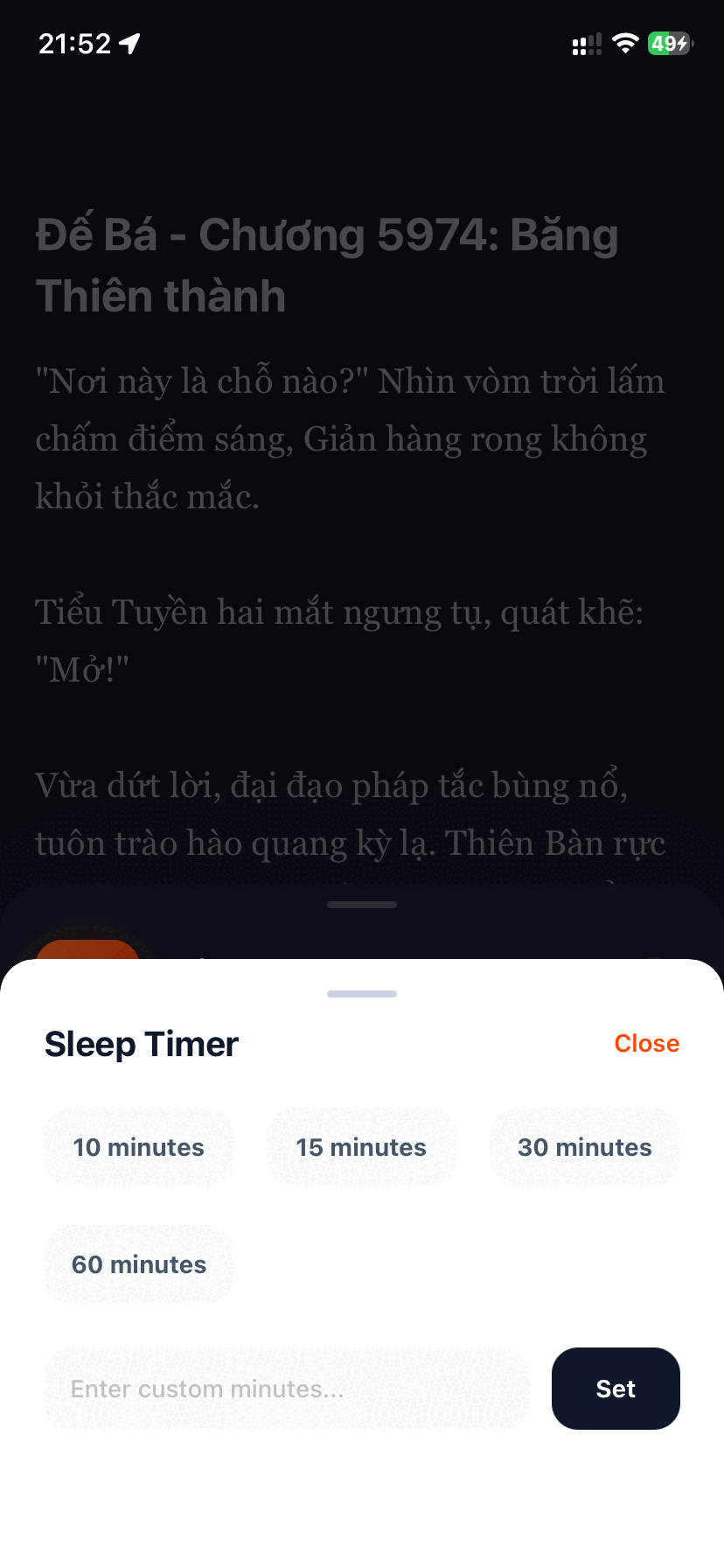
If your current app remains buggy, switch to Aufi. Aufi was built from the ground up to solve the exact flaws of existing fiction readers: zero sudden stops, guaranteed background playback with locked screens, and seamless auto-next chapter advance.
Aufi treats web chapters like proper podcast tracks. You get full lockscreen media controls, Bluetooth headphone integration, and flawless chapter auto-looping without coins or ads.
Never Suffer from Buggy TTS Again
Download Aufi for free on Android, iOS, or install the Chrome Extension for desktop reading.
Looking for more reading guides? Explore Best Apps to Listen to Light Novels (2026 Comparison) and Complete Webnovel TTS Setup Guide.
Conclusion
TTS bugs shouldn't prevent you from enjoying your favorite web fiction. By applying these battery and caching tweaks—or upgrading to Aufi—you can enjoy seamless audio all day long.