 Aufi
Binge-reading stories on Wattpad is addictive, but staring at your phone screen for hours causes severe eye fatigue and headaches. Whether you are commuting, doing household chores, working out, or relaxing before bed, you have probably wondered: how to make Wattpad read aloud so you can listen hands-free?
When searching for Wattpad read aloud options (or the common typo wattad read aloud), many readers end up frustrated. Some chapters show a small audio bar, while the vast majority of fanfiction has no voice options at all.
Yes, but with limitations. Wattpad’s native Text-to-Speech (TTS) player is only available on fewer than 5% of selected English stories. For all other stories, you can use your phone's built-in accessibility screen reader (iOS Speak Screen or Android Select to Speak), or use a dedicated AI webnovel reader like Aufi to enjoy background playback with your screen locked and automatic chapter advance.
Does Wattpad Have a Built-In Read Aloud Feature? (The Honest Truth)
The short answer is yes, but only for a tiny fraction of titles.
Wattpad initially introduced native Text-to-Speech as a beta test. Contrary to what many users expect, it is not an open feature available across the entire platform. In our benchmark test across 50 trending romance and fantasy novels, fewer than 5% featured a native audio button.
Why Most Wattpad Stories Lack an Audio Button
- Editorial Selection Only: Wattpad enabled TTS strictly on select commercial or featured English stories.
- No Author Control: Authors cannot manually toggle text-to-speech on their own stories. For deeper insights into why Wattpad limits audio, see our analysis on Does Wattpad Have Text to Speech?.
- Phased Out Beta: Wattpad has prioritized visual ad impressions over background listening, keeping development of its native player minimal.
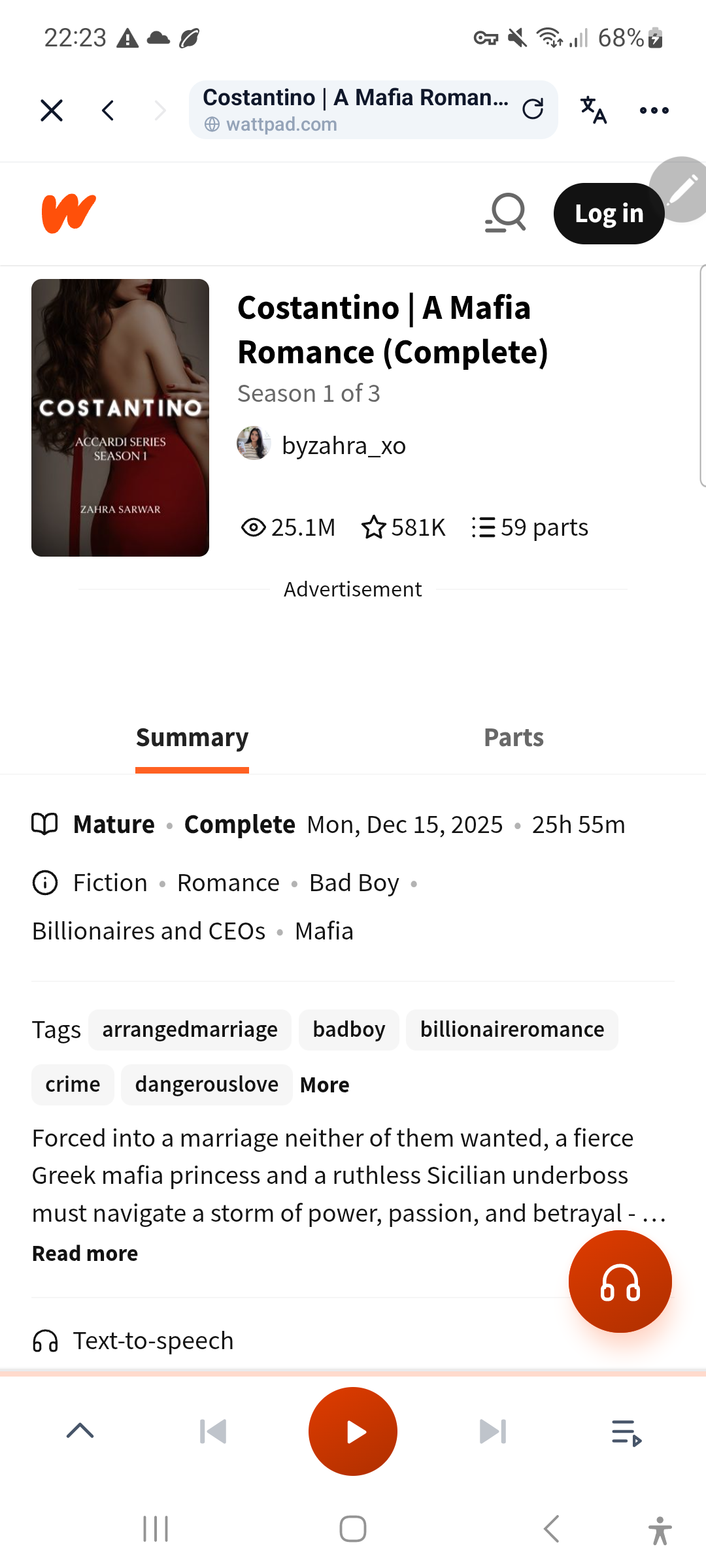
Method 1: How to Use Wattpad's Native Text-to-Speech (If Supported)
If you happen to read a story selected for Wattpad's beta program, listening takes just two quick taps:
- Open the **Wattpad app** and tap on your story chapter.
- Look directly below the chapter title. If supported, you will see a slim **Audio Bar** with a **Play** icon.
- Tap **Play** to start listening.
Limitations: It offers no voice customization, sounds somewhat mechanical, and cannot skip chapter headers or promotional banners.
Method 2: Using Your Phone's Built-in Screen Readers (Free Workaround)
Both Apple and Google build accessibility tools into mobile devices that can force your phone to read on-screen text aloud.
How to Make Wattpad Read Aloud on iPhone/iPad (Speak Screen)
- Open Settings > Accessibility > Spoken Content.
- Toggle on Speak Screen and Speech Controller. (See the official Apple Spoken Content Guide for details).
- Open your Wattpad story chapter.
- Swipe down with two fingers from the top of your screen to start reading.
How to Make Wattpad Read Aloud on Android (Select to Speak)
- Go to Settings > Accessibility > Select to Speak (per Google Android Accessibility Help).
- Turn on the Select to Speak shortcut.
- Open Wattpad, tap the accessibility button, and drag over the text to hear it aloud.
The 4 Big Frustrations: Why Phone Screen Readers Fail for Fiction
While built-in tools are free, avid webfiction readers frequently run into four major pain points:
- Audio Stops When Screen Locks: The moment your phone screen turns off to save battery, screen readers shut down. Keeping the screen constantly lit drains battery and heats up your phone in your pocket.
- No Auto-Next Chapter: When chapter 1 ends, narration stops dead. You must unlock your phone, scroll to load chapter 2, and trigger the gesture again.
- Reads In-App Ads & Comments: Screen readers read everything literally—including vote counts, author notes, and inline banner ads.
- Monotone Robotic Delivery: System synthesizers lack emotional inflections, dramatic pauses, and proper fantasy name pronunciation.
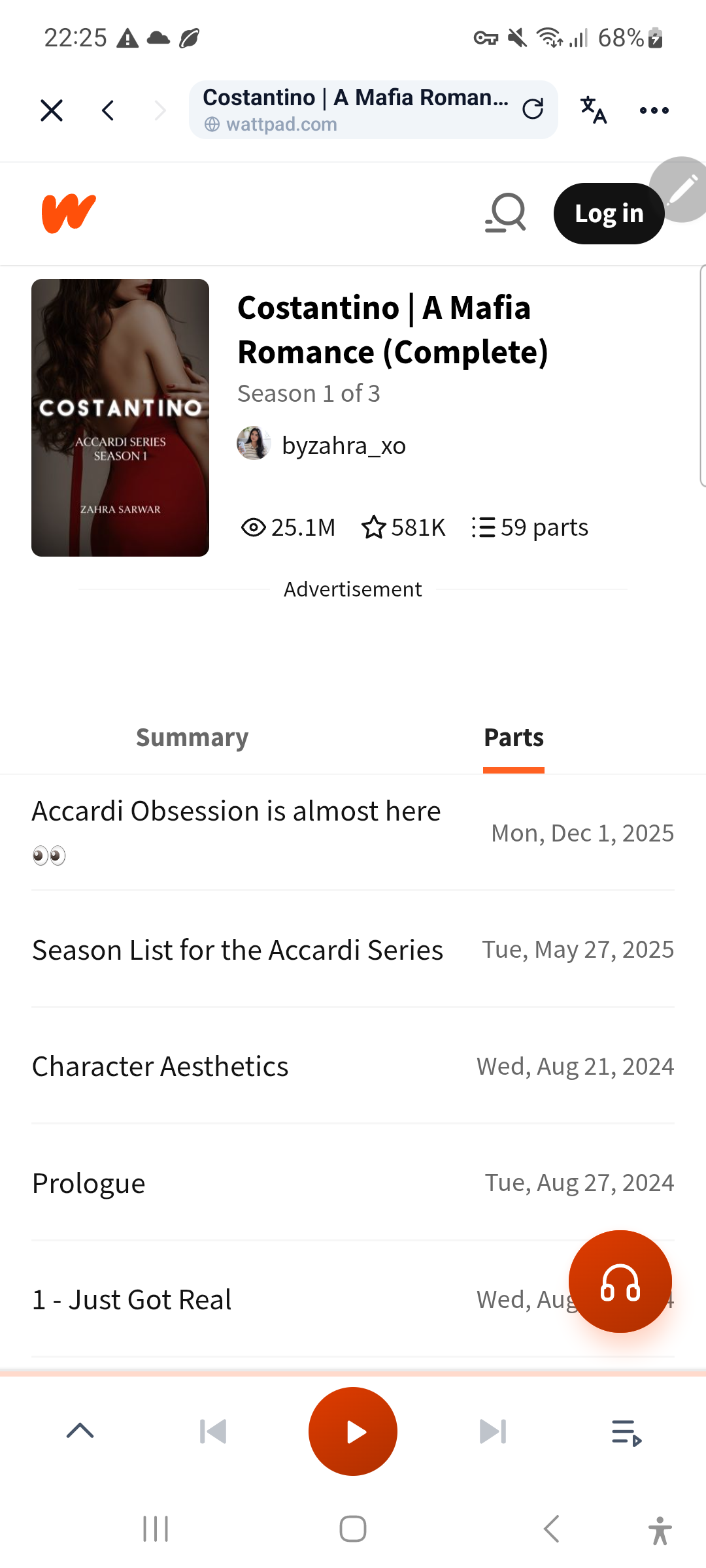
Method 3: The Ultimate Fix – Dedicated AI Webnovel Audio Readers
If you want a true audiobook experience with your favorite Wattpad fanfiction and original webnovels, a dedicated audio reader like Aufi is the purpose-built solution.
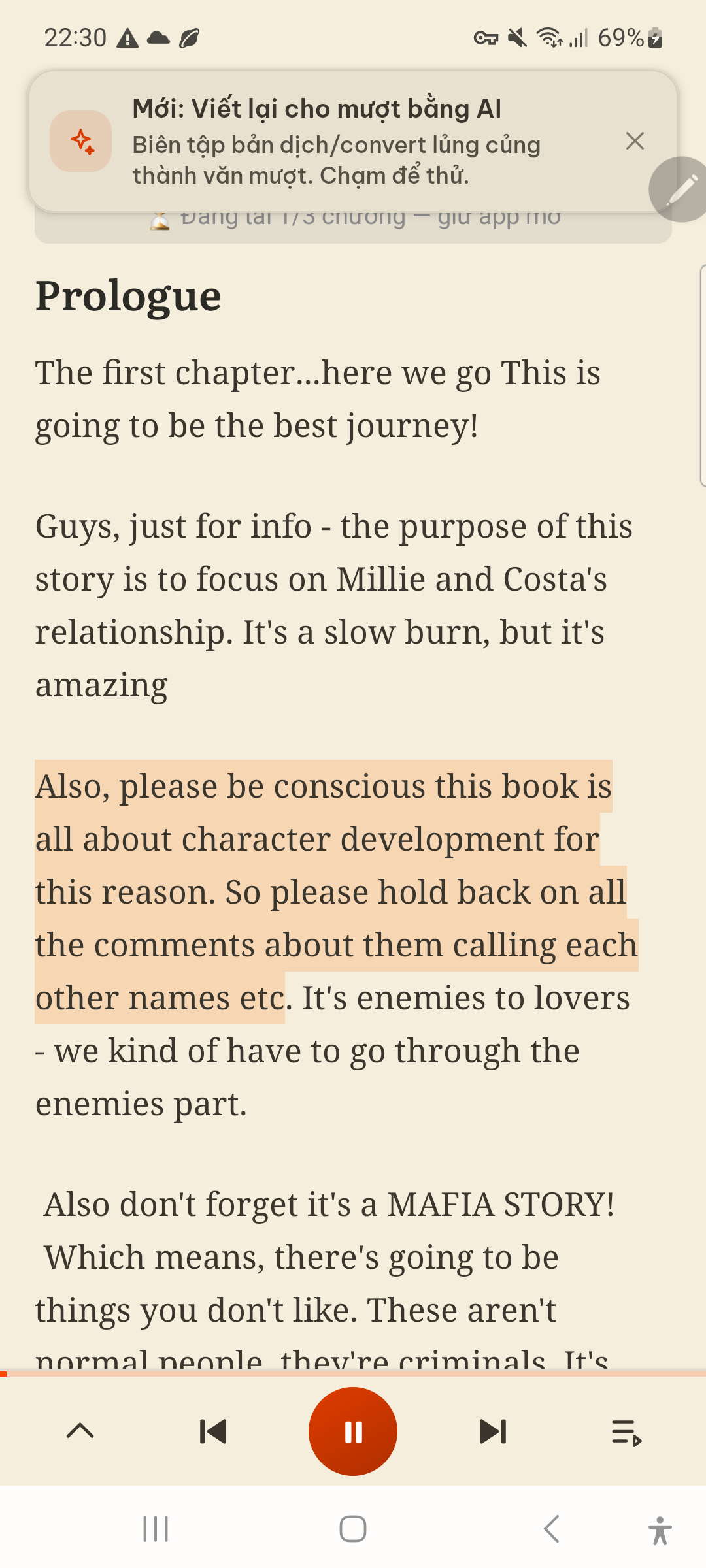
How to Listen to Any Wattpad Story Hands-Free with Aufi
- Copy the Story Link: In the Wattpad app or browser, tap Share on your chapter and select Copy Link. For a full walkthrough, read our guide on How to Listen to Wattpad Stories as Audiobooks.
- Open Aufi: Launch the free Aufi app on your phone. Aufi automatically detects the chapter link on your clipboard and extracts the clean prose.
- Enjoy Seamless AI Narration: Choose your favorite realistic neural voice, hit play, and lock your screen. Aufi keeps playing in your pocket and advances automatically to the next chapter.
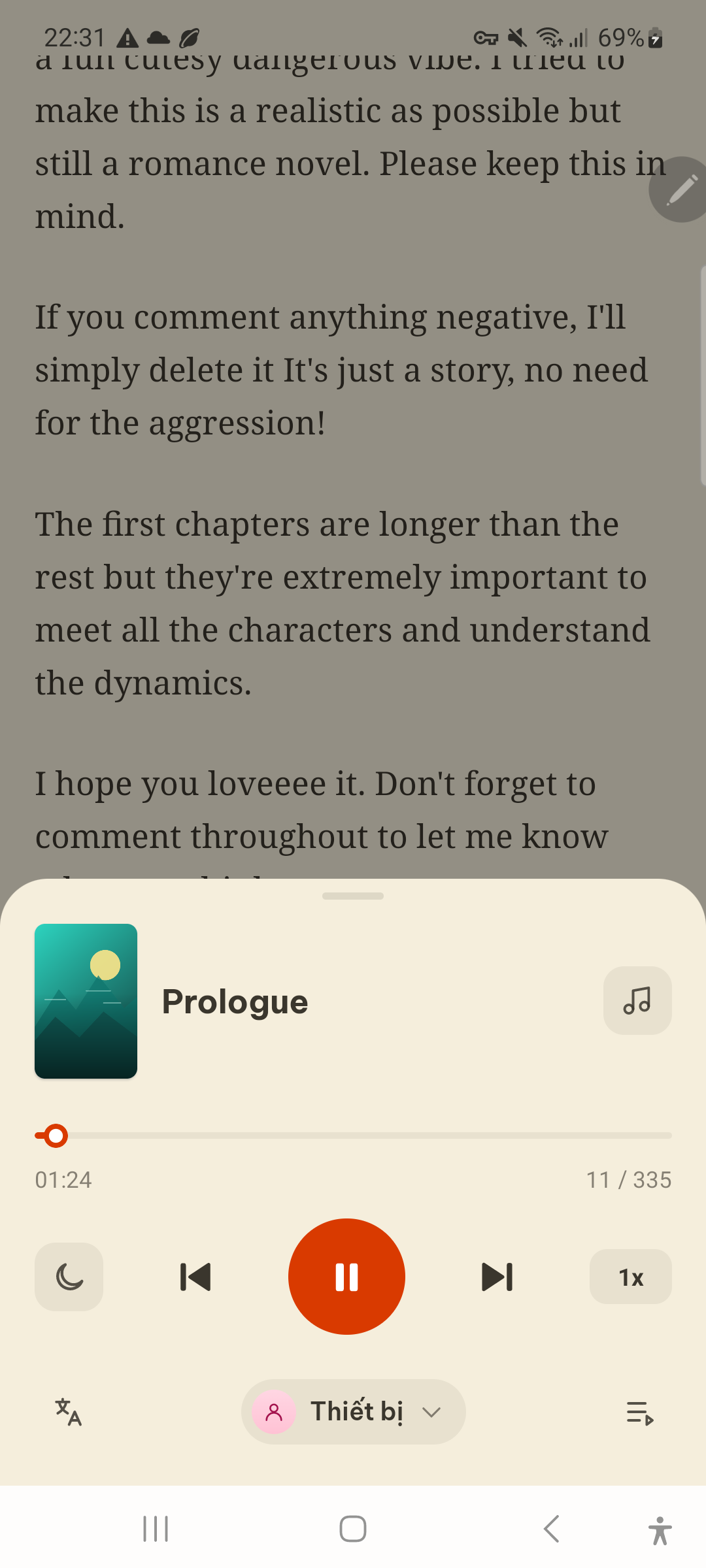
Direct Comparison: Which Wattpad Listening Method Wins?
Compare the three methods across the six features that matter most to fiction readers:
| Feature / Criteria | Wattpad Native TTS | Phone Accessibility (iOS/Android) | Aufi (Dedicated Fiction TTS) |
|---|---|---|---|
| Story Coverage | < 5% (Beta only) | 100% (On-screen text) | 100% (Any chapter or link) |
| Screen-Off Background Play | ✗ Unreliable | ✗ Halts when screen locks | ✓ Full background audio service |
| Auto-Next Chapter | ✗ Manual reload | ✗ Must swipe & re-trigger | ✓ Seamless chapter continuity |
| Voice Quality | Basic robotic tone | Monotone system voice | ✓ Ultra-realistic neural AI voices |
| Ad & Clutter Filtering | ✗ Banner ads remain | ✗ Reads UI text & ads | ✓ Strips ads & comments automatically |
| Bedtime Sleep Timer | ✗ No | ✗ No | ✓ Built-in 15–60 min timer |
If you also enjoy stories on Archive of Our Own, check out our companion guide: How to Convert AO3 Fanfiction to Audiobooks or explore the 7 Best Free Speechify Alternatives.
Troubleshooting: Why Won't Wattpad Read to Me? (Common Fixes)
1. The Audio Player Disappeared or Isn't Showing
If a story previously had audio but no longer does, Wattpad may have refreshed its beta rotation, or the author updated chapter text. Switch to Method 2 or Method 3 (Aufi) to resume listening immediately.
2. Audio Stops When the Screen Locks or Turns Off
iOS Speak Screen and Android Select-to-Speak only render foreground text. When the display sleeps, narration cuts off. Use a dedicated background reader like Aufi to keep audio playing smoothly in your pocket.
3. The Voice Sounds Monotone or Mispronounces Character Names
Default phone voices read phonetically without narrative context. In Aufi, neural voice models understand sentence pacing, commas, and dialogue formatting, delivering dramatic immersion.
Turn Wattpad Stories into Audiobooks Today
Listen hands-free with lifelike AI voices, screen-locked background play, and automatic chapter advance on iOS, Android, and Desktop.